A rhythm of prayer
Roman Breviary, Missale Romanum 1962, calendar, saints, prayers and meditation.
CATHOLON APP
Catholon brings Catholic prayer, source reading and personal study together on your phone, tablet and computer.
Phone · Tablet · Computer

CATHOLON
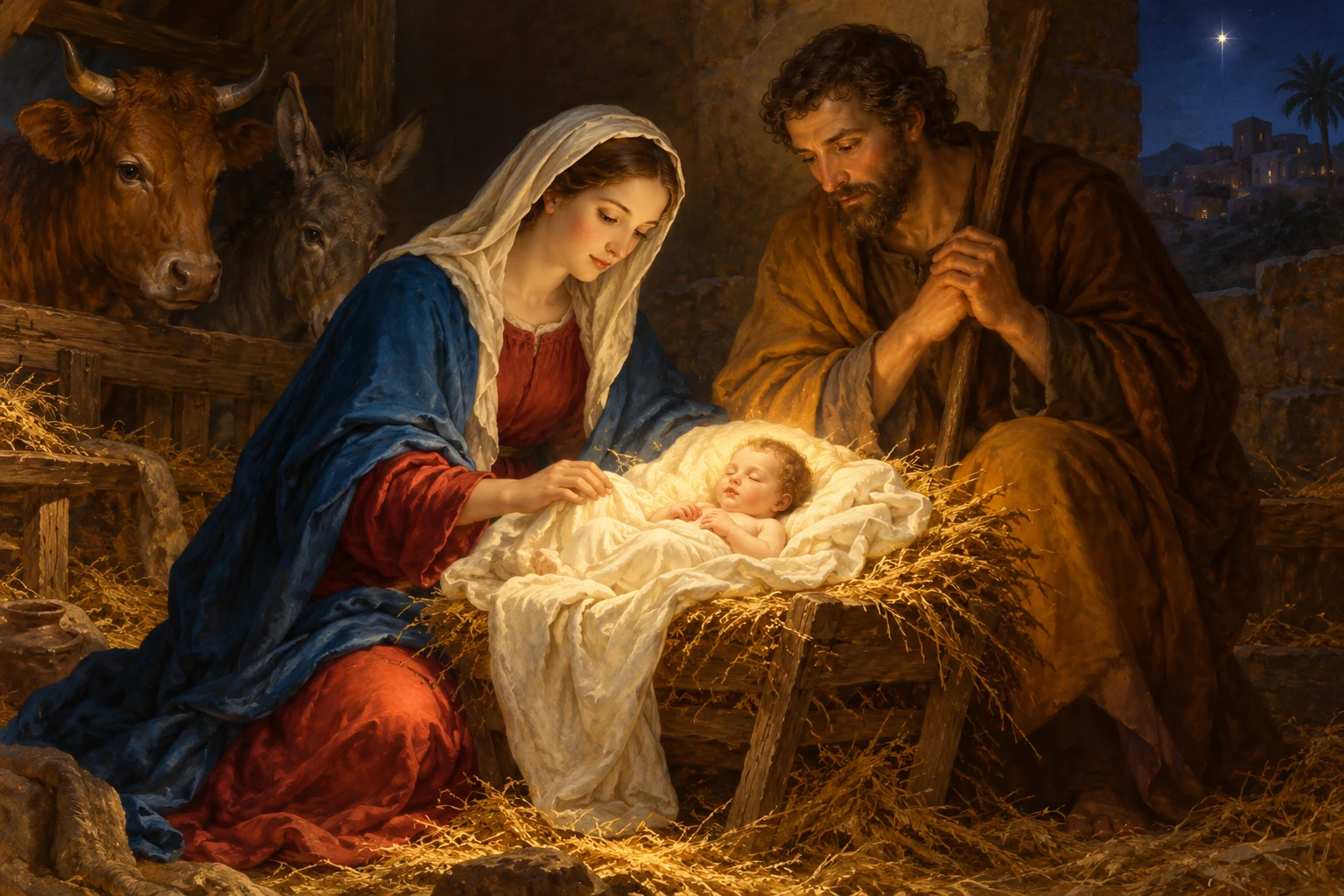
BREVIARIUM ROMANUM
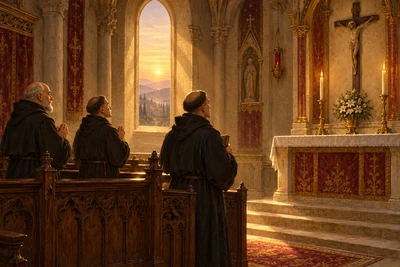
Lauds · Latin & translation
Pater noster, qui es in cælis: sanctificétur nomen tuum. Advéniat regnum tuum. Fiat volúntas tua, sicut in cælo, et in terra.
Our Father, who art in heaven, hallowed be Thy name. Thy kingdom come. Thy will be done on earth as it is in heaven.
Roman Breviary, Missale Romanum 1962, calendar, saints, prayers and meditation.
Read Scripture, catechisms, Church Fathers, magisterial documents and more in the app readers. Available languages depend on the source.
Save supported texts and lessons in advance. Work on local notes, essays and study folders, then start the account sync when you reconnect.
Capture pages, recognize text, create PDFs and add a handwritten signature to a PDF. Public library submissions depend on the available server service.
Live sessions, chat and official submissions need an internet connection.
Download the Android app directly and open Catholon from the app icon on your phone or tablet.
Download the Android appAPK · 184.9 MiBAfter downloading, open the APK on your Android device. If Android asks, allow installation from this download source.
46064312958f0b8f023e13b29c0dc003c89f1ae691fe869e2dd21705526ad8d9Continue your course, collect thoughts in your study folder and make time for prayer. Your personal workspace keeps the next steps within reach.
01 · Reader
Read original texts and translations side by side, enlarge the type and follow the sources. Scripture, Church documents and the library are always close at hand.
Open areaCATHOLON · Reader
JOANNES · 1,1
In principio erat Verbum, et Verbum erat apud Deum, et Deus erat Verbum.
In the beginning was the Word, and the Word was with God, and the Word was God.
02 · World atlas
Move through the centuries, select places and events and open their sources. Map, timeline and explanation work together.
Open areaCATHOLON



Dock a reader, the atlas or a media window beside your study folder. Swap sides, expand a window and record your thoughts in the comment column.
MY CATHOLON · UNIVERSITY
MY CATHOLON
JOANNES · 1,1
In principio erat Verbum, et Verbum erat apud Deum, et Deus erat Verbum.
In the beginning was the Word, and the Word was with God, and the Word was God.
What does the text say? Which passage would I like to compare?
Source: John 1:1CATHOLON
CATHOLON
BREVIARIUM ROMANUM
Lauds · Latin & translation
Pater noster, qui es in cælis: sanctificétur nomen tuum. Advéniat regnum tuum. Fiat volúntas tua, sicut in cælo, et in terra.
Our Father, who art in heaven, hallowed be Thy name. Thy kingdom come. Thy will be done on earth as it is in heaven.
CATHOLON · Reader
JOANNES · 1,1
In principio erat Verbum, et Verbum erat apud Deum, et Deus erat Verbum.
In the beginning was the Word, and the Word was with God, and the Word was God.
CATHOLON
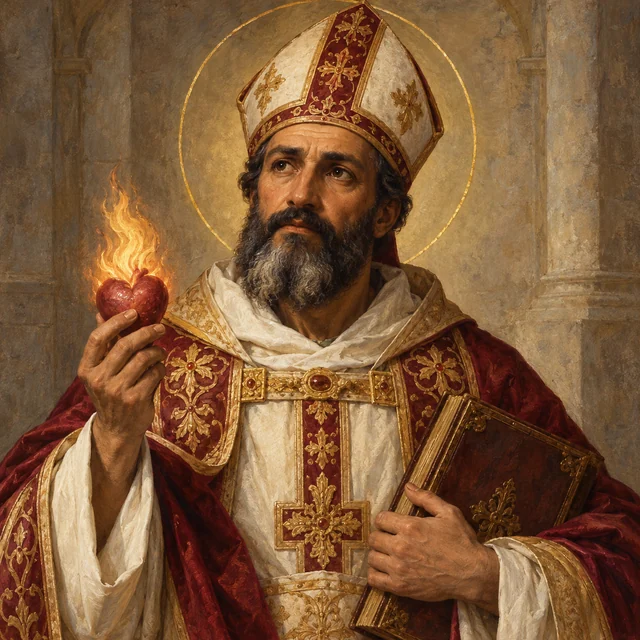
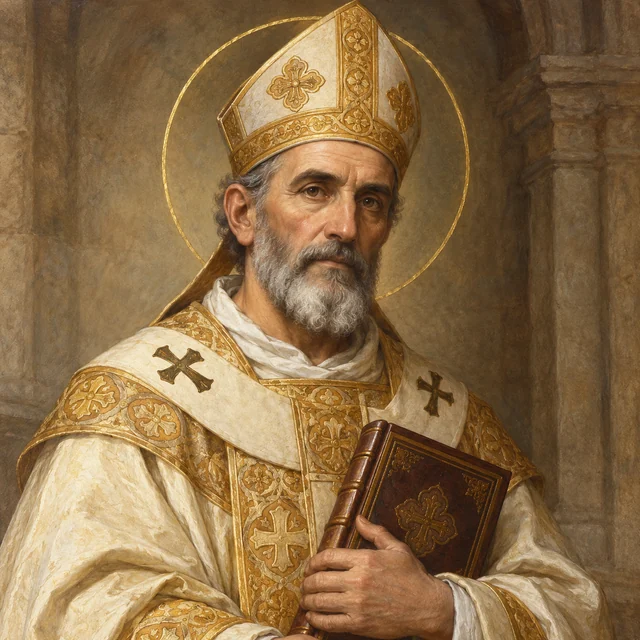
354–430 · HIPPONA
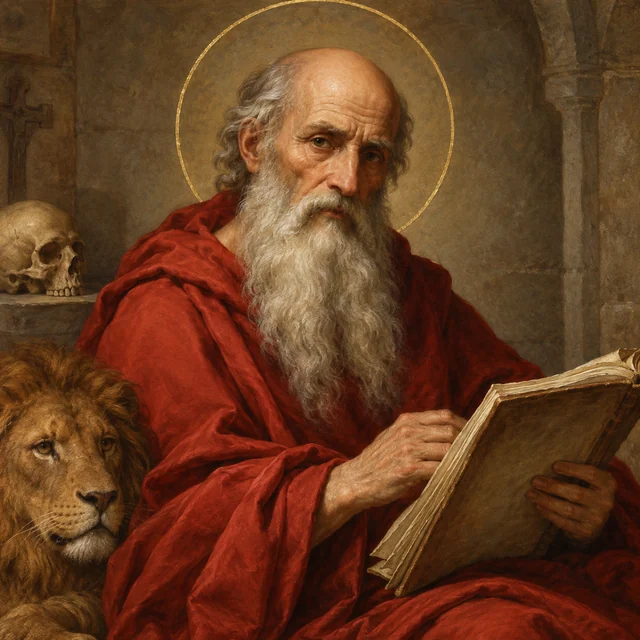
339–397 · MEDIOLANUM
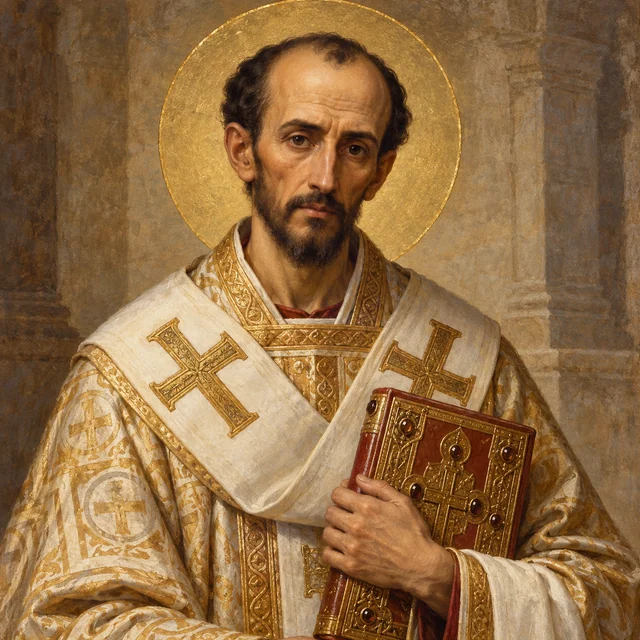
c. 347–420 · BETHLEHEM
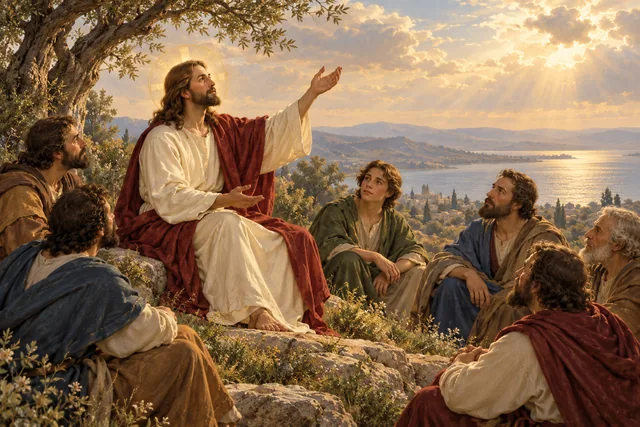
c. 349–407 · CONSTANTINOPOLIS
CATHOLON



CATHOLON
2 minutes. Make the Sign of the Cross: in the name of the Father, and of the Son, and of the Holy Spirit.
OFFLINE
Save available reading texts as text files or as HTML through the reader export. You can open the saved files without an internet connection.
Take maps with you as PNG or print-to-PDF files, and atlas collections as JSON. Export options are available in the relevant workspace.
Open the libraryOpen Catholon in your browser and add the web app to your home screen. The Catholon icon takes you straight to your study and prayer space.
Open CatholoniPhone and iPad: Open the Share menu in Safari and choose Add to Home Screen.
Android: Choose Install app or Add to home screen in the browser menu if your browser offers it.
Computer: Use the installation option in the address bar or browser menu, where available.